What is a Server? A Simple Explanation
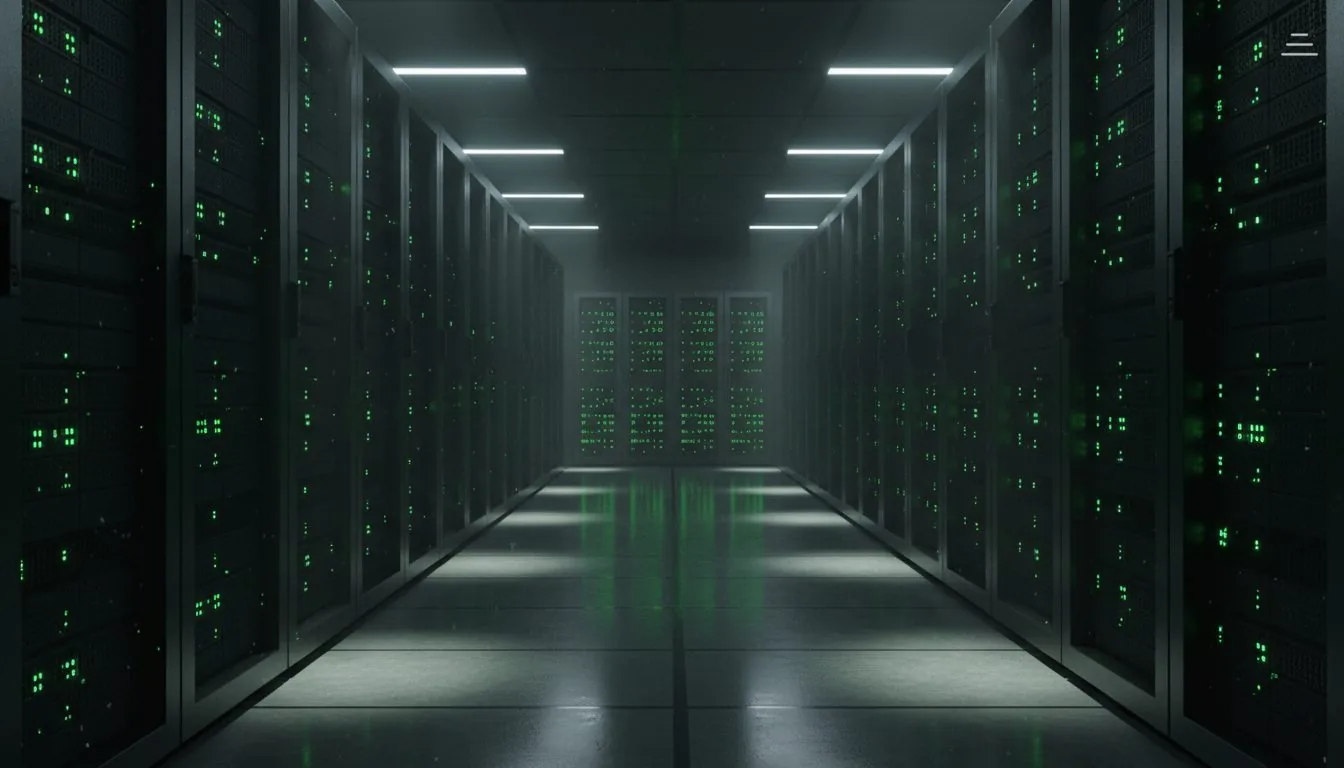
A server is a computer running 24/7 serving websites and applications. We explain simply: how it works, its types, and when you need one.
What Is a Server? A Simple Explanation for Everyone
The word "server" appears in every technical conversation, but many business owners and managers hear it without fully understanding what it means. This explanation is for you if you want the concept explained clearly without jargon.
A Server in One Sentence
A server is a powerful computer designed to run continuously and respond to requests. When you open a website, your phone sends a request to that site's server, the server sends back the page content, and your browser displays it. This happens in a fraction of a second.
An Analogy That Makes It Concrete
Think of a restaurant:
- You = the customer (the browser)
- The order = your request for a page
- The waiter = the internet (the network carrying data)
- The kitchen = the server (preparing and delivering the response)
- The food = the webpage displayed on your screen
The server "cooks" the webpage and sends it to your browser.
How a Server Actually Works (Simplified)
- You type
cloud.net.sain your browser - Your browser asks the DNS system: "What is the IP address of cloud.net.sa?"
- DNS responds: "Its address is 185.X.X.X"
- Your browser sends a request to that address: "Give me the homepage"
- The server receives the request, assembles the page, sends it back
- Your browser receives the page and displays it
This entire process takes 50-200 milliseconds for a site hosted on a server near you.
Types of Servers
Web Server: Stores website files and sends them to browsers. This is what you need if you have a website.
Database Server: Stores user data, orders, products, and all structured information. Your website asks it: "Give me the data for user 1234" — it responds in milliseconds.
Email Server: Sends and receives emails. When you send from your corporate email (you@yourcompany.com), a mail server handles delivery.
Game Server: Synchronizes the movements of thousands of players in real time. Requires response times under 20 milliseconds, often much lower.
Application Server: Runs the business logic of complex applications — processing transactions, running workflows, executing code beyond just serving files.
Server Specifications Explained Simply
vCPU (Virtual CPU): How many "chefs" are in your kitchen? Each vCPU processes a task simultaneously. A simple website needs 1-2. A complex application needs 4-8 or more.
RAM: The size of the work surface. The larger it is, the more requests the server handles simultaneously without slowing down. A typical application: 2-4 GB. An AI application: 16-64 GB.
SSD Storage: The storage shelves. Larger and faster storage means quicker file reads. SSDs are approximately 10 times faster than traditional hard drives.
Bandwidth: The size of the pipe data travels through. A site receiving 1,000 visitors per day needs far less than a site receiving one million.
Why Server Location Matters
Distance equals time. Data travels at the speed of light, but distance still matters.
- Server in Riyadh → Saudi visitor sees the page in 12 milliseconds
- Server in the United States → Saudi visitor sees the page in 200+ milliseconds
That is a 16-fold difference. This directly affects:
- Google rankings: Faster sites rank higher
- User experience: 53% of users leave a page that takes more than 3 seconds to load
- Conversion rates: Each additional second of load time reduces conversions by approximately 7%
For any Saudi business serving Saudi customers, hosting on a Saudi server is not optional — it is a straightforward business decision. The latency advantage alone justifies it.
Physical Server vs. Cloud Server
Physical Server (Bare Metal): A real computer in a data center. All resources are exclusively yours. No sharing.
Cloud Server (VPS): One physical server divided into multiple virtual servers. Cheaper and more flexible. Appropriate for approximately 95% of projects.
Shared Hosting: Dozens of websites on a single server with shared resources. The most affordable option. Suitable for simple informational sites and small stores.
What Configuration Do You Actually Need?
For the vast majority of Saudi businesses:
- Informational site or small store: Shared hosting. You need reliable uptime, fast Saudi servers, and simple management.
- Custom application, ERP, or CRM: A cloud server. You need dedicated resources, SSH access, and control over your environment.
- High-traffic platform or enterprise system: A cloud server with high specifications and dedicated support.
The key insight: you are not paying for hardware specs in isolation. You are paying for the infrastructure, the reliability, the support, and crucially, the location. A Saudi server for a Saudi business is the foundation. Everything else builds on it.
Get Started
Ready to build your infrastructure? Configure your cloud server to your exact specs, or view hosting plans.